Introduction
Your website is often the first conversation a customer has with your business. If that conversation is slow, confusing or broken on a phone, most visitors won't complain. They'll just leave and buy from someone else.
The hard part is that a website rarely fails all at once. It loses customers quietly: a page that takes too long to load, a form that's awkward on mobile, a design that makes a solid business look out of date.
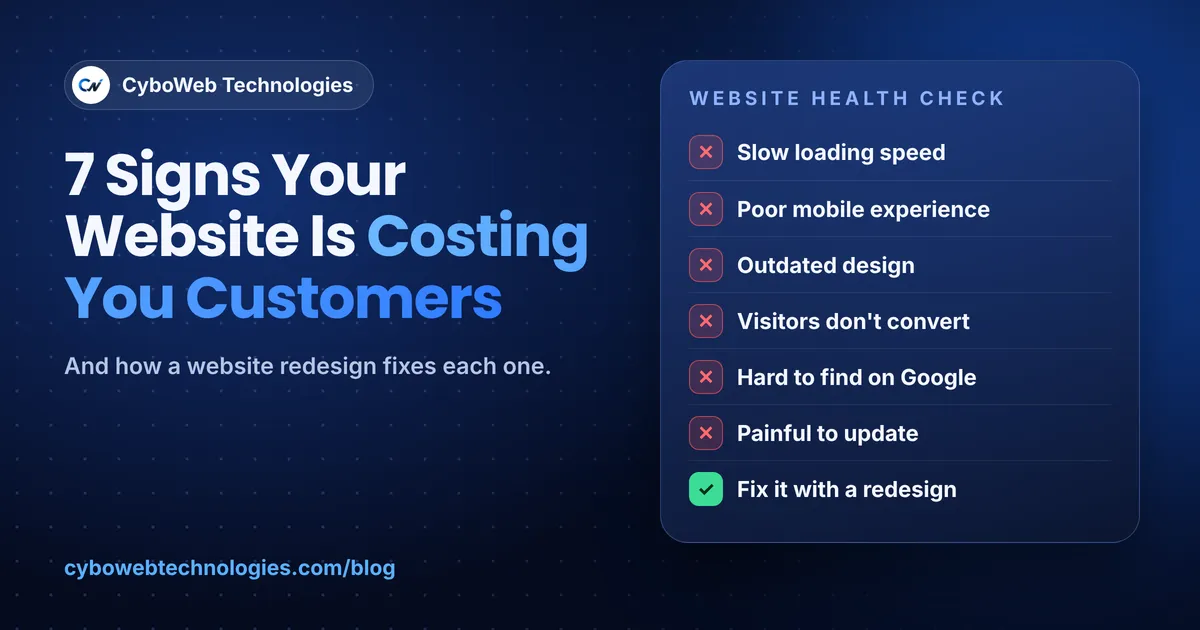
Below are seven clear signs your business website is costing you customers, why each one matters, and what to do about it. If you recognize three or more, a website redesign is probably overdue.
7 signs your website needs a redesign
1. Your website is slow
Visitors expect a page to appear almost instantly. Every extra second of loading gives them time to hit the back button, and Google uses page speed as part of how it ranks sites.
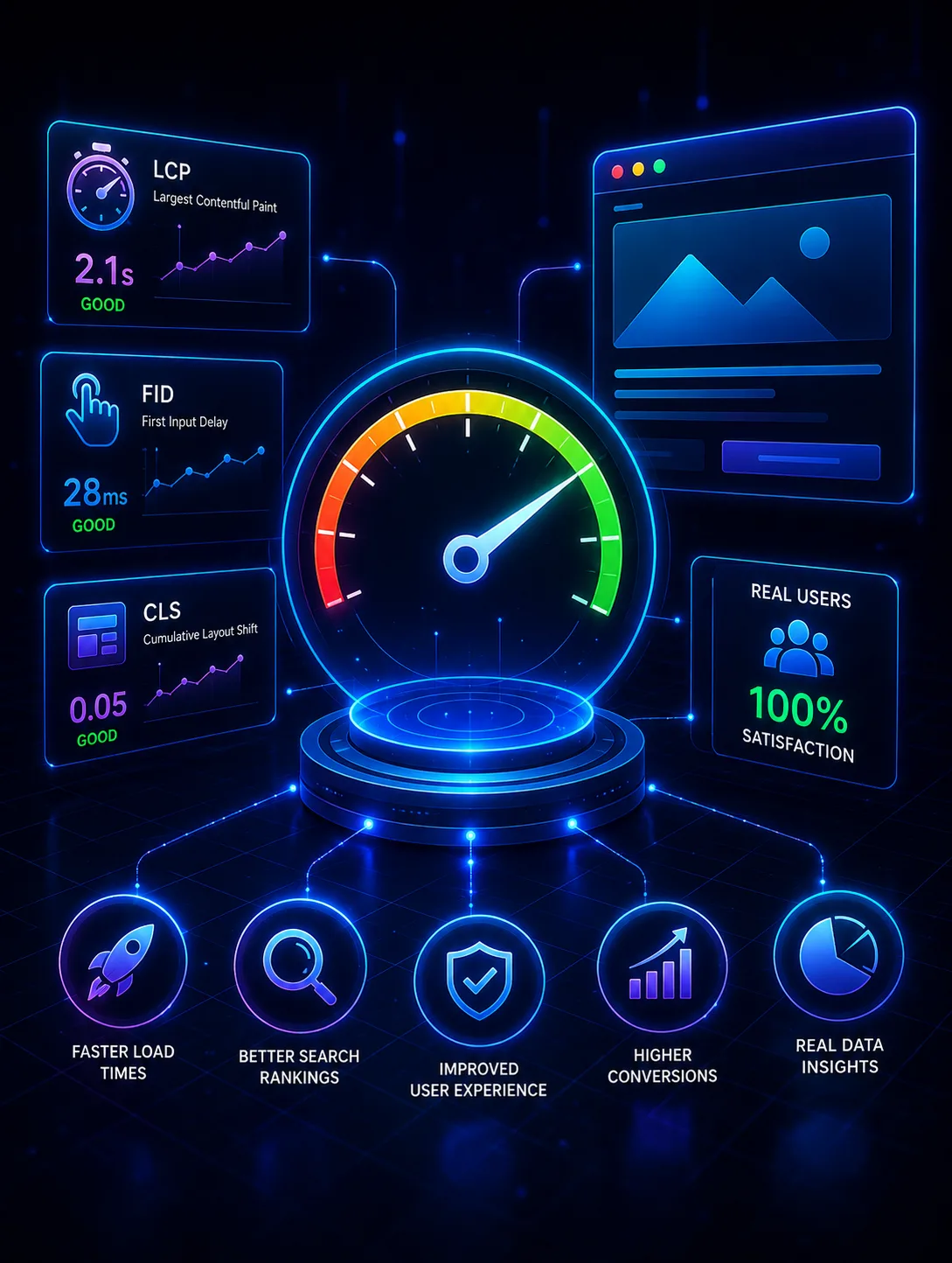
How to check: run your homepage through Google PageSpeed Insights (free). Look at the Core Web Vitals: Largest Contentful Paint should be 2.5 seconds or less, and layout shift should stay under 0.1.
How to fix it: compress and resize images, remove unused plugins and scripts, use modern hosting with caching and a CDN, and lazy-load anything below the fold. Sites built on bloated themes often need a rebuild, not a patch.
2. It doesn't work well on mobile
Google now indexes the mobile version of your site first. If buttons are tiny, text needs zooming or menus break on a phone, you lose both rankings and customers.
How to check: open your site on your own phone and try to complete one real task, such as booking, buying or sending an enquiry.
How to fix it: a responsive design that is planned for mobile first, with thumb-friendly buttons, short forms and readable text without zooming.
3. The design looks outdated
People judge trust in seconds. An old layout, stock photos, crowded pages or a copyright year from 2019 tell visitors the business may not be active, or may not be careful.
How to fix it: a clean, modern layout with clear visual hierarchy, real photos of your work or team, consistent branding and plenty of white space.
4. Visitors arrive but don't contact you
Traffic without enquiries usually means the site isn't guiding people to act. Common causes are no clear call to action, long forms, hidden contact details or pages that don't answer the visitor's main question.
How to fix it: one clear goal per page, a visible "Get a quote" or "Book a call" button, short forms, trust signals such as reviews and case studies, and analytics so you can see where people drop off.
5. Customers can't find you on Google
If you only appear when people search your exact business name, your site is missing the searches that bring new customers.
How to fix it: a technically sound site (fast, crawlable, with an XML sitemap and clean URLs), proper titles and meta descriptions, service pages built around what customers actually search, and fresh content such as this blog.
6. Updating the site is painful
If changing a price or adding a page means calling a developer, your site will fall behind. Outdated content hurts both trust and SEO.
How to fix it: a content management system your team can use, such as WordPress or a headless CMS, with editable sections so marketing can publish without touching code.
7. Your team still does everything by hand
Copying enquiries into spreadsheets, sending the same emails again and again, or chasing bookings by phone all cost time every week. A modern website can do much of this for you.
How to fix it: connect the website to your CRM, email and booking tools. Add automated follow-ups, and consider an AI chat assistant that answers common questions around the clock.
Redesign or rebuild: which do you need?
A redesign refreshes the look, layout and content on your current platform. It suits sites that are technically sound but look dated or convert poorly.
A rebuild replaces the foundation: the code, platform or hosting. It suits sites that are slow at their core, hard to update, insecure or unable to connect to the tools you use.
Quick self-check
Tick each statement that is true for your site today:
- Pages take more than about 3 seconds to load on mobile
- At least one key task is awkward on a phone
- The design hasn't changed in three years or more
- You get visitors but few enquiries or sales
- You rarely appear on Google for your main services
- Small updates need a developer
- Enquiries and follow-ups are handled manually
One or two ticks: targeted fixes may be enough. Three or more: plan a redesign. Five or more: a rebuild will likely save money over patching.
How CyboWeb Technologies can help
CyboWeb Technologies designs and builds websites and digital products around how your business actually works, not around a template. We have delivered 80+ projects, and every build is planned to be fast, secure, SEO-ready and easy for your team to update.
We can help with:
- Website redesign and custom website development: modern, mobile-first sites on WordPress, Next.js or a headless CMS
- E-commerce stores: WooCommerce and Shopify builds that are quick to browse and simple to check out
- Web applications and SaaS platforms: portals, dashboards and custom tools
- CRM, ERP and business automation: connecting your website to the systems behind it
- AI chat assistants and LLM solutions: answering common customer questions and routing leads
Have a project in mind? Tell us what you want to build and get a free, no-obligation quote.
Email info@cybowebtechnologies.com · Call +91 11 3576 8451 · Request a free quote
Frequently asked questions
How often should a business website be redesigned?
There's no fixed rule, but many businesses review their site every two to four years. Redesign sooner if your site is slow, hard to use on mobile or no longer matches your services.
Will a website redesign hurt my Google rankings?
It shouldn't if it's planned properly. Keep your best-performing content, set up 301 redirects from old URLs to new ones, and resubmit your sitemap in Google Search Conso is fast, secure and easy to update, a redesign is usually enough. If the problems are in the foundation, such as speed, security or integrations, a rebuild is often the better long-term investment.
Can you redesign my site without losing my content?
Yes. Existing pages, images, products and blog posts can be moved to the new site, then cleaned up and improved along the way.le after launch.
How long does a website redesign take?
A small business website often takes a few weeks. Larger sites with e-commerce, integrations or custom features take longer. The timeline depends on content, approvals and scope.
Should I redesign or start with a new website?
If your platform is fast, secure and easy to update, a redesign is usually enough. If the problems are in the foundation, such as speed, security or integrations, a rebuild is often the better long-term investment.
Can you redesign my site without losing my content?
Yes. Existing pages, images, products and blog posts can be moved to the new site, then cleaned up and improved along the way.