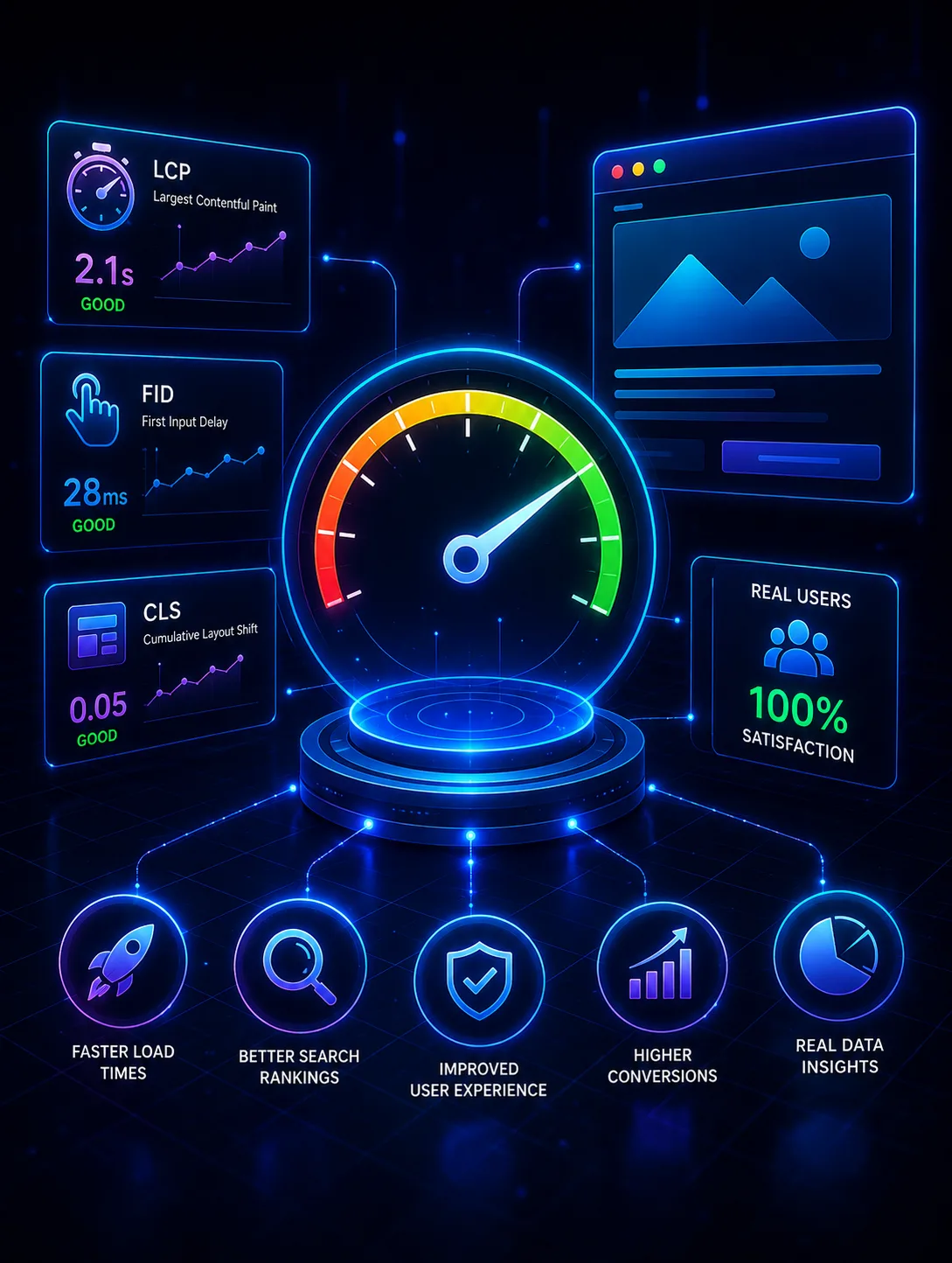
Core Web Vitals measure loading, interactivity and visual stability using data from real visitors. Lab tools are useful for diagnosis, but field data decides your score, and the two often disagree.
Largest Contentful Paint
LCP records when the biggest element in the viewport finishes rendering, usually a hero image or headline block. Most poor LCP scores come from a small number of causes.
- Hero images that are not preloaded or are served oversized
- Render-blocking CSS and fonts discovered late
- Slow server response before any rendering starts
- Client-side rendering that delays the main content
Cumulative Layout Shift
CLS measures content moving after it appears. Reserve space for anything that loads late: set width and height on images, give ad and embed slots fixed dimensions, and avoid injecting banners above existing content.
Interaction to Next Paint
INP measures how quickly the page responds to input across the whole visit. Long JavaScript tasks are the usual cause. Break heavy work into smaller chunks, defer non-essential scripts, and be sceptical of third-party tags that run on every interaction.
A realistic order of work
- Cut render-blocking requests and load fonts with a swap strategy
- Preload the LCP image and size it correctly for each breakpoint
- Audit third-party scripts and remove duplicates
- Reserve layout space for late-loading content
- Measure again with field data before further work
Duplicate third-party libraries are one of the most common and most easily fixed causes of poor scores. Audit what is actually loaded before optimising anything you wrote.
Where to start
Start with the field data in Search Console, not a lab score. Fix the single worst metric on your highest-traffic template, then measure again before moving on.