1. Mastering Core Web Vitals (The Real Mobile Experience)
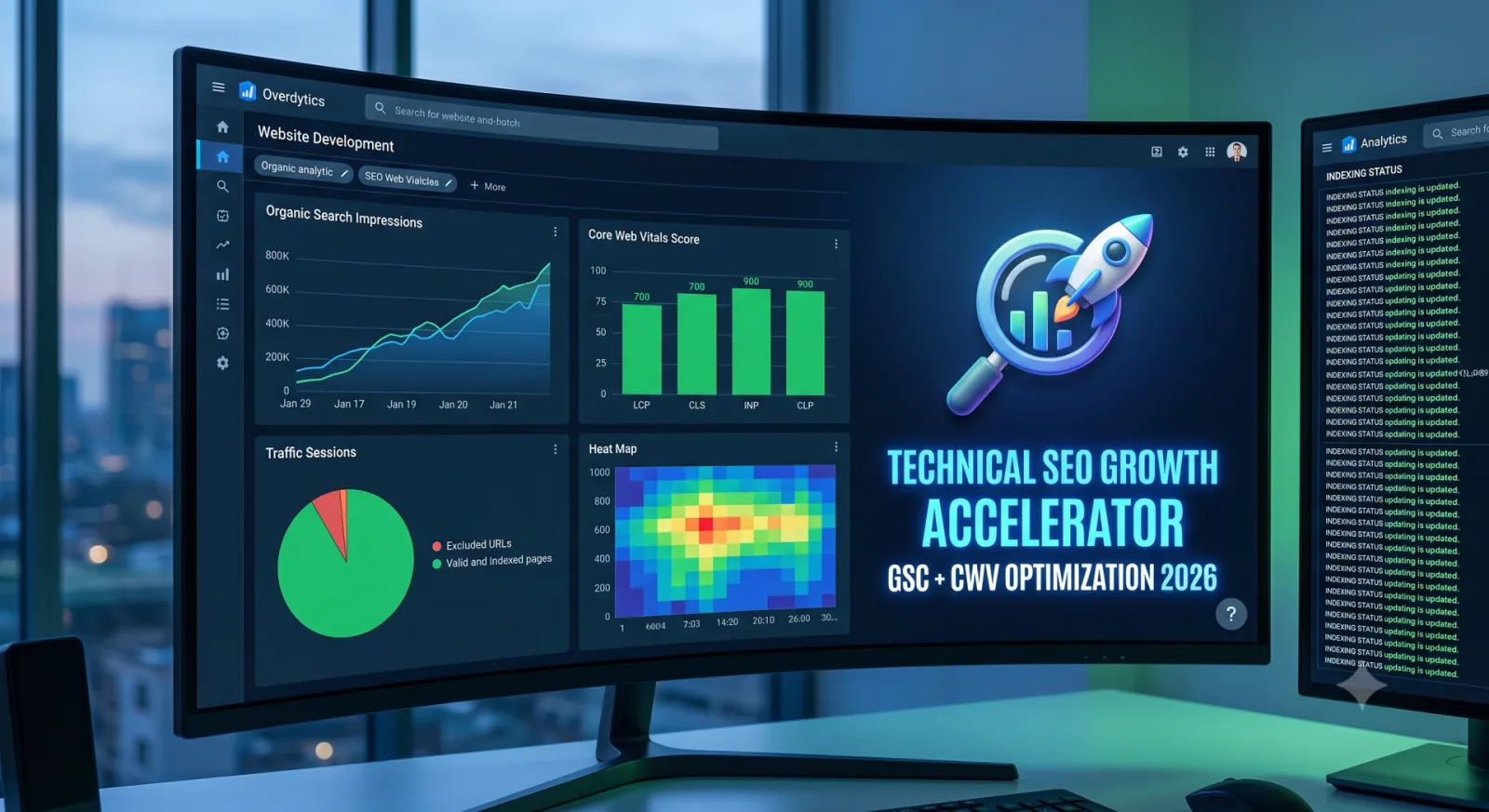
Google measures your website using real-world field data collected from everyday users through Chrome (CrUX data), not just clean lab simulations on high-speed office fiber. If your site crawls to a halt on a mid-range phone over an average connection, your visibility drops.
Three metrics matter most:
INP (Interaction to Next Paint) — Target: Under 200 ms
INP tracks responsiveness. When a visitor taps a navigation menu, adds an item to their cart, or toggles an accordion, does the interface react immediately, or does it freeze? Sluggish INP almost always traces back to heavy JavaScript execution choking the browser's main thread. Fix this by deferring non-essential scripts, delaying analytics tags until user interaction, and breaking up massive monolithic script files into lightweight, on-demand modules.
LCP (Largest Contentful Paint) — Target: Under 2.5 seconds
LCP measures how fast the main visual piece of your page—usually the hero image or top banner heading—renders on screen. If your visitors stare at a blank white rectangle for four seconds, they bounce, and search engines take note. Boost LCP by converting old JPEG and PNG assets to modern WebP or AVIF formats, implementing aggressive server-level caching, and using rel="preload" on your primary above-the-fold image so the browser downloads it immediately.
CLS (Cumulative Layout Shift) — Target: Under 0.1
Have you ever tried tapping a link, only for an image or dynamic ad banner to pop in at the last second, shoving the page down and making you click the wrong thing? That frustration is layout shift. Eliminate it entirely by declaring hardcoded width and height aspect-ratio dimensions directly in your image and video tags, and reserving dedicated CSS min-height space for dynamic promotional banners.
| Core Web Vital | Metric Focus | Target Threshold | Primary Fix |
|---|---|---|---|
| INP | UI responsiveness & interaction delay | $\le$ 200 ms | Offload main-thread JavaScript; lazy-load third-party pixels |
| LCP | Initial visual render speed | $\le$ 2.5 s | Preload hero assets; serve AVIF/WebP; enable server caching |
| CLS | Visual page stability | $\le$ 0.1 | Set explicit aspect-ratio attributes on media & ad containers |
2. Google Search Console: Your Diagnostic Command Deck
Google Search Console isn't just a basic click tracker—it tells you exactly how search bots view, catalog, and grade your website. If you only look at total impressions, you’re missing the diagnostics that actually dictate your growth.
Fix Indexing Roadblocks
Head straight to the Page Indexing report. You will inevitably find URLs marked “Crawled - currently not indexed” or “Discovered - currently not indexed.”
- Discovered means Google knows the link exists, but decided your server was too slow or your crawl priority wasn't high enough to bother fetching it.
- Crawled - currently not indexed means Googlebot reviewed the page, but concluded it was duplicate, thin, or lacked sufficient context to show users.
Resolve these issues by auditing your content quality, cutting out low-value auto-generated tags or duplicate category pages, and building solid internal text links from your strongest, most authoritative pages down to the deeper content you want indexed.
Find Low-Hanging Traffic Wins
Navigate to the Search Results tab and enable Average Position alongside Impressions and Clicks:
- Filter queries by positions 8 through 20. These are queries where Google already views your site as relevant, but holds you on the fringe of the top results.
- Group those queries by page, open the content, and look for what’s missing.
- Update your subheadings to match those exact search queries, add direct two-sentence answers to address the intent quickly, and integrate targeted FAQ schema. Pushing a keyword from position 11 to position 4 often yields a 3x to 5x increase in organic click volume without writing an entirely new article.
Eliminate Crawl Budget Waste
If your website features hundreds or thousands of products, filtered faceted navigation, or legacy archives, Googlebot can easily get stuck scraping useless query parameters. Check your Crawl Stats report. Block staging directories, internal search query URLs, and repetitive filter paths using your robots.txt file so bot resources stay laser-focused on pages that generate revenue.
3. Structured Data: Speaking Google's Native Language
Search engines are sophisticated, but they still rely on explicit markup to parse complex page relationships without ambiguity. JSON-LD structured data bridges this gap, translating paragraphs of prose into organized entities.
- Article & BlogPosting Schema: Explicitly defines the author, publication date, and verified organization behind the piece, strengthening your site's authority profile.
- BreadcrumbList Schema: Converts messy, raw browser URLs into structured, hierarchical navigation trails in mobile search snippets, improving click-through rates.
- FAQPage & HowTo Schema: Signals direct answers to Google, increasing the odds that your advice gets extracted into featured snippets or AI Overview summaries.
The Continuous Technical Loop
A website isn't a billboard you set up once and leave alone; it’s a living software product. Plugins update, codebases expand, and tracking scripts bloat over time.
Treat technical SEO as an ongoing monthly maintenance cycle: audit your Search Console indexing alerts, monitor real-user Core Web Vitals scores in Chrome UX reports, and make sure your server routes crawl bots efficiently. When you make a site fast, stable, and simple to navigate, search engines reward you with consistent organic rankings.