
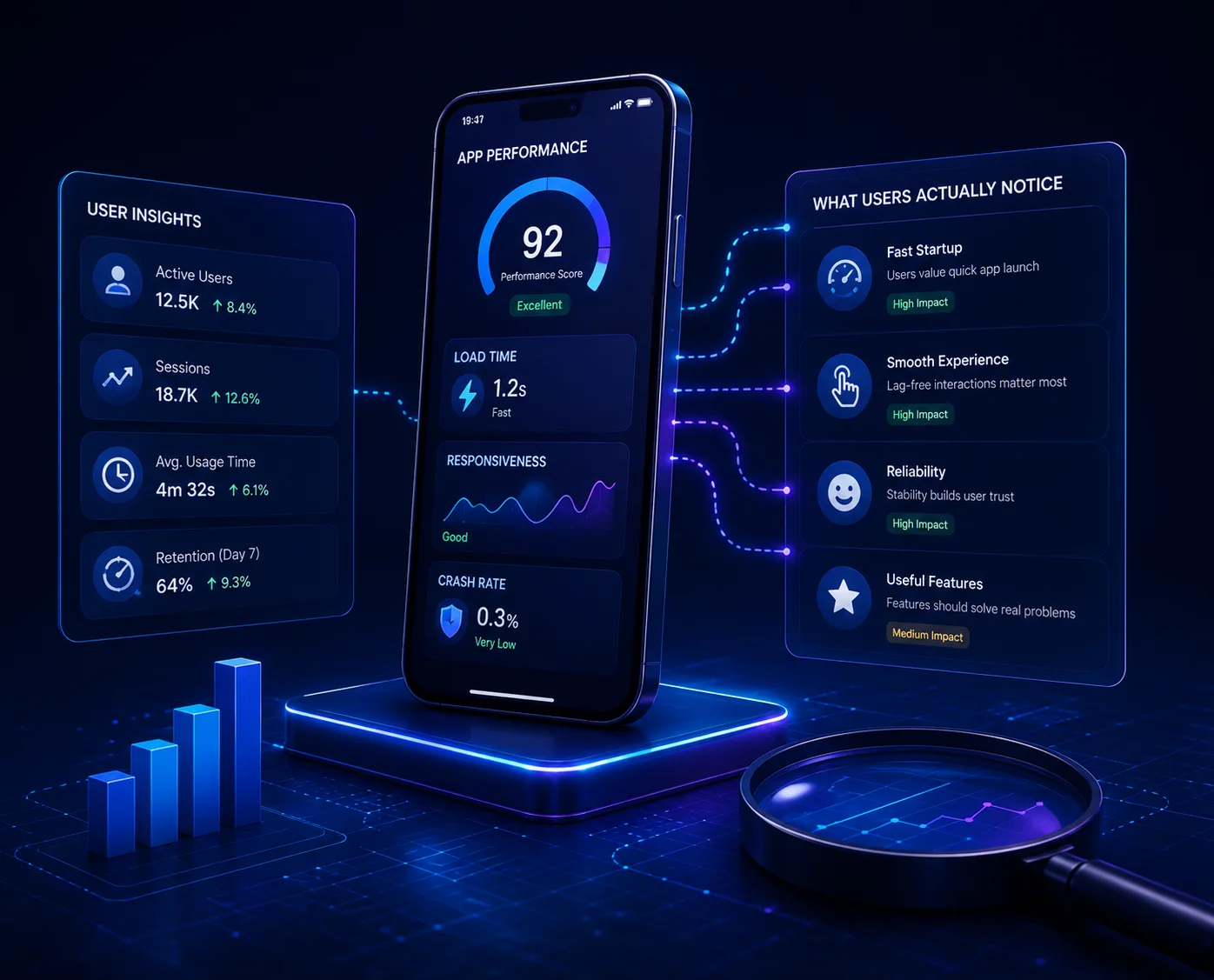
Performance problems drive uninstalls quietly. People rarely report that an app feels slow; they simply stop opening it. The causes are usually concentrated in startup and list rendering.
Startup is the first impression
Every framework, SDK and analytics library initialised at launch delays the first screen. Defer everything not needed to render it, and initialise the rest after the interface is interactive.
Lists and images
- Recycle list views rather than building every row
- Load images at display size, not full resolution
- Decode off the main thread
- Cache thumbnails aggressively
- Paginate rather than fetching everything at once
Network behaviour
Batch requests, compress payloads and return only the fields the screen needs. Handle poor connectivity explicitly: show cached content immediately and refresh in the background rather than blocking on a spinner.
Battery and memory
Background work, wake locks and location polling drain batteries and get apps uninstalled. Audit what runs when the app is not in the foreground, and justify each item.
Measure on real devices
Test on the mid-range hardware your users actually own, not the newest phone in the office. The difference is usually the whole problem.
A one-second delay at startup is felt by every user on every session. Few optimisations have that reach.
Where to start
Profile a cold start on a mid-range device and list everything that runs before the first screen appears. Most of it can wait.