
Quick Start
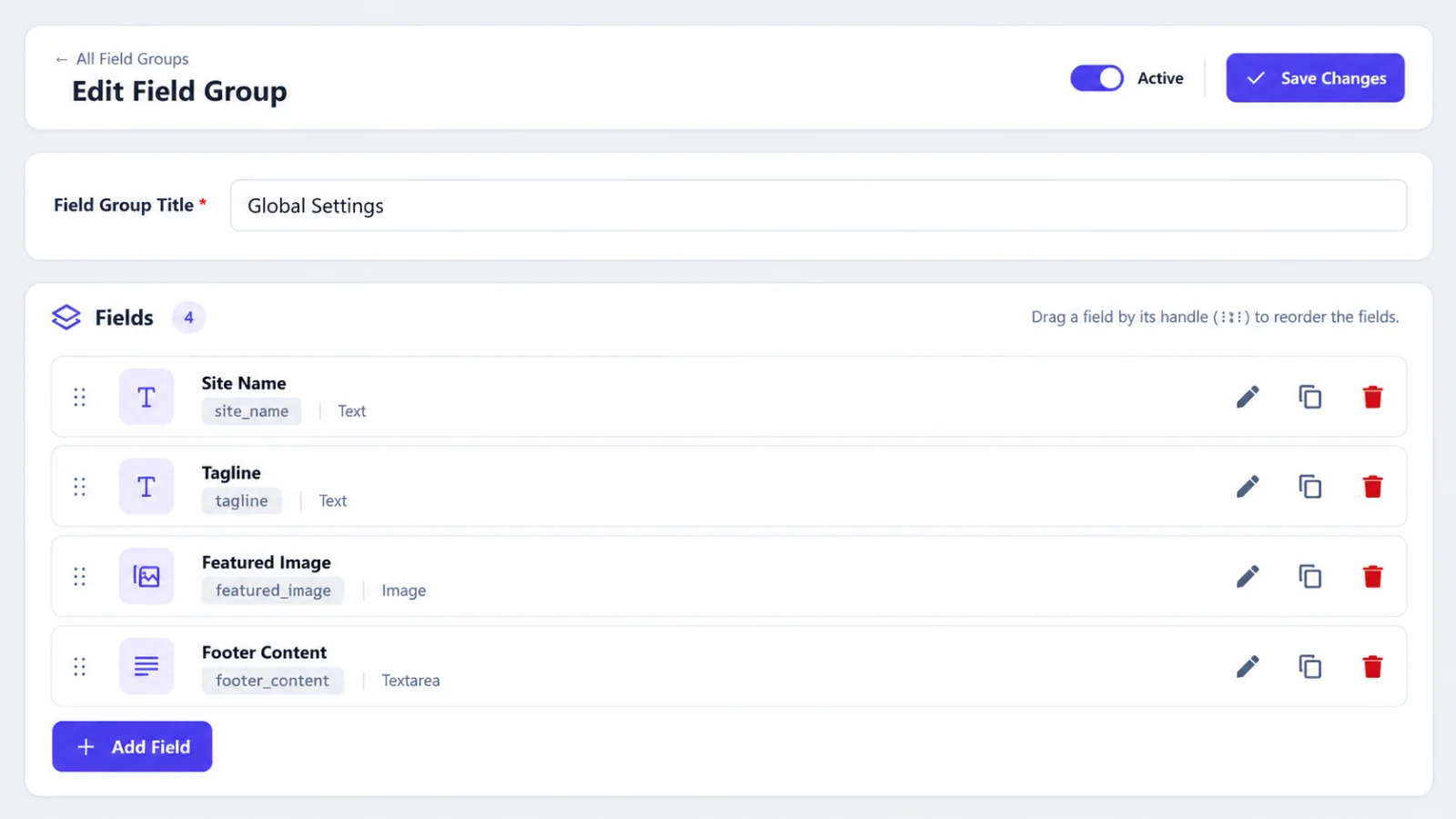
You can build the same field group without code in CAFE → Field Groups (see the Admin Guide). This page shows the PHP way. The code below is safe to run once, for example from a small plugin, a WP-CLI
eval-file, orfunctions.phpguarded by a check.
1. Create a field group with a field
add_action( 'cafe_init', function () {
	$schema = cafe()->schema_manager();

	// Only create it once.
	if ( $schema->find_group_by_key( 'hero' ) ) {
		return;
	}

	$group = $schema->create_group( [
		'key'   => 'hero',
		'title' => 'Hero',
	] );

	if ( is_wp_error( $group ) ) {
		return;
	}

	$schema->create_field( $group->id, [
		'name'     => 'hero_title',
		'label'    => 'Hero Title',
		'type'     => 'text',
		'settings' => [
			'placeholder' => 'Welcome to our site',
			'max_length'  => 80,
		],
	] );
} );
2. Save a value
cafe_update_field( 'hero_title', 'Welcome', $post_id );
3. Show it in your theme
<?php if ( cafe_has_field( 'hero_title' ) ) : ?>
	<h1><?php echo esc_html( cafe_get_field( 'hero_title' ) ); ?></h1>
<?php endif; ?>
Inside the loop you do not need a post ID: CAFE uses the current post.
4. A global option
cafe_update_option( 'company_phone', '+31612345678' );

echo esc_html( cafe_get_option( 'company_phone' ) );
(company_phone must be a field in any field group.)
What next?
- All functions: Developer API
- Change values while reading or saving: Hooks & Filters