
Getting Started
Welcome to Cybo Advanced Field Engine (CAFE), a custom fields plugin for WordPress developed by CyboWeb Technologies. This guide explains what CAFE does and the few ideas you need before you build your first field. It takes about five minutes to read.
Who this documentation is for. Site builders who set up fields in wp-admin, and developers who show those fields in a theme or extend CAFE with code. You do not need to write code to create fields; you only need PHP to show them on your site.
What CAFE does
CAFE lets you add structured fields, such as "Hero title", "Company phone" or "Price", to posts, pages, terms, users, comments and site-wide settings screens. Editors fill them in on the screens they already use, and your theme reads them with one function:
echo esc_html( cafe_get_field( 'hero_title' ) );
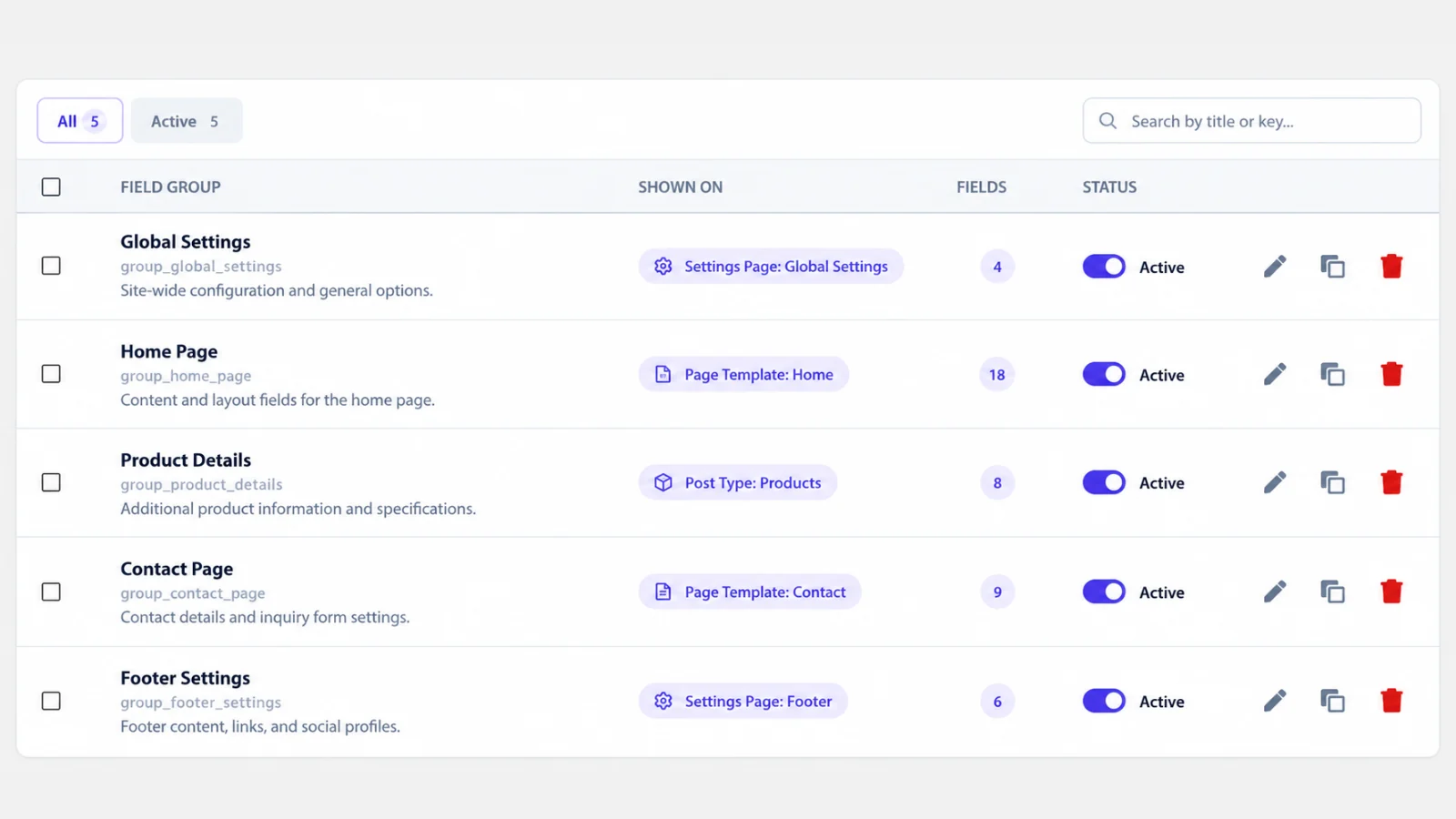
Three ideas to know
- Field groups hold fields. A field group, for example "Hero", contains fields
such as
hero_titleandhero_text. Every field has a name that you use in code and a type: text, email, number, select, date, image, gallery and more. See Field types. - Values belong to an object. A value is always saved for one object: a post, a term, a user, a comment, or the site-wide options. When you do not say which object, CAFE uses the current one: the post in the loop, the term of a category archive, or the author of an author archive.
- Fast by design. CAFE keeps its values in its own storage instead of the standard WordPress meta tables, so pages stay quick. You never touch that storage yourself: the functions above do it for you.
What you get back
cafe_get_field()returns the saved value. It was checked and cleaned when it was saved.- When nothing is saved, it returns
null, or the default you pass. - Values are not escaped for output. Always escape when you print them, with
esc_html(),esc_attr()oresc_url().
Next steps
- Install CAFE if you have not done so yet.
- Follow the Quick Start to create your first field and show it on your site.
- Read the Admin Guide for a tour of every CAFE screen in wp-admin.
Need help along the way? See Troubleshooting.